Toastmasters International — Club & District Websites
FreeToastHost 4

Support and Development Site

Forum index Recent topics

Access Setting

Locked 17 replies · 591 views

Hi Brian,

Thank you for resolving our problem so quickly yesterday.
We have another problem now.

My name is Izumi. I am SAA and am allowed to access website settings and edit the main page.
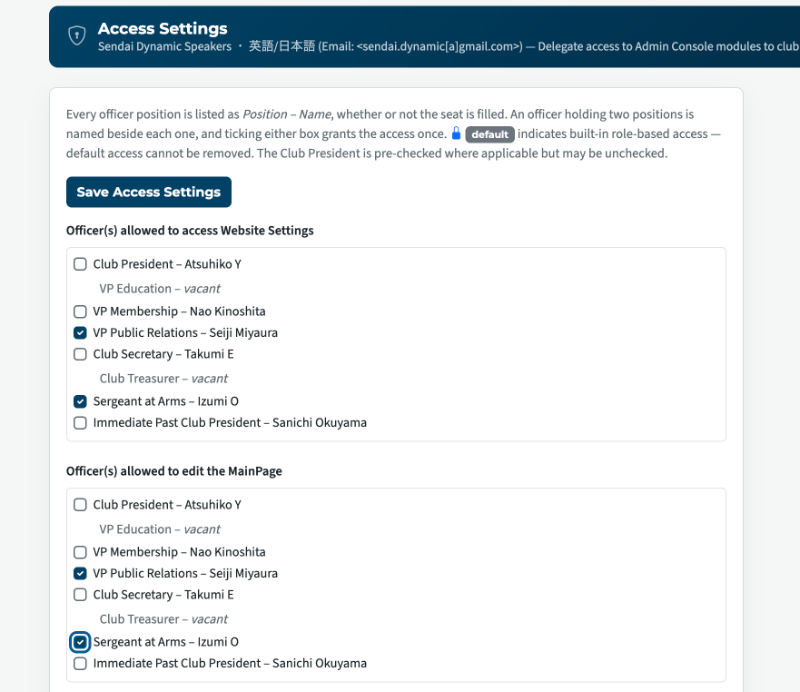
 Screenshot 2026-08-26 at 17.55.37.png

Unfortunately, I cannot see any change even when I log in as a member.
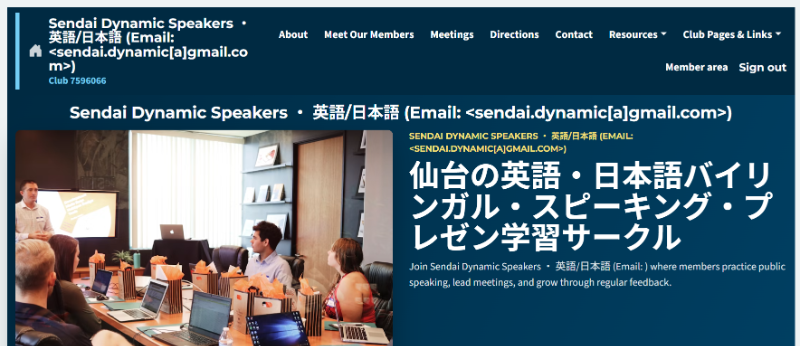
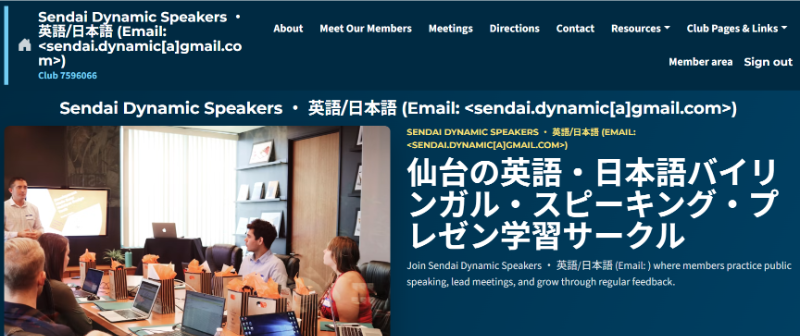
 スクリーンショット 2026-08-27 080930.png

If you could take a look and check it, that'd be very helpful.

Club website: https://www.sendaidynamicspeakers.club/
Club Number: 7596066

Many thanks,
Izumi
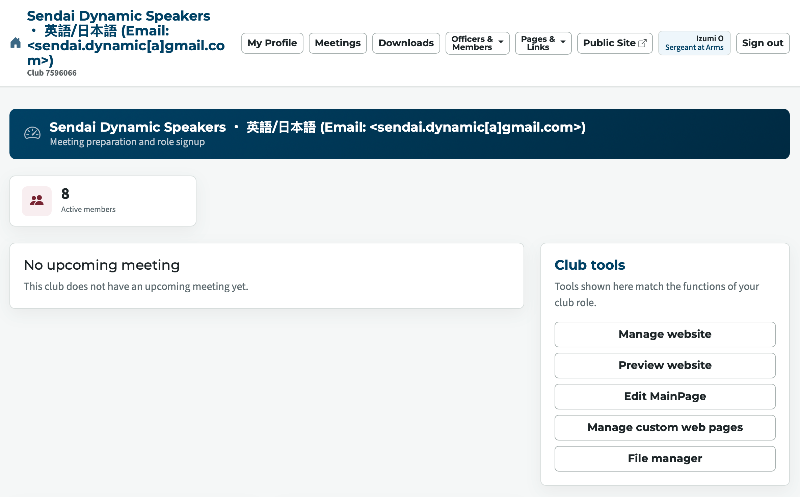
You need to click on Member Area
Then you will see

 Screenshot 2026-08-26 at 8.09.43 PM.png
Thank you,

Brian McDonald DTM
Silver and Wiser Online Toastmasters Club #777940

Technical Support Consultant and Developer for FreeToastHost
Thank you for your quick attention!
Even though I pressed the "member area", nothing changed.
Please see the video.

Many thanks,
Izumi
Oh, I can't send a video file...
Did you sign in with your Name and Password?
Thank you,

Brian McDonald DTM
Silver and Wiser Online Toastmasters Club #777940

Technical Support Consultant and Developer for FreeToastHost
I signed in with my email address and password.
Now I tried to sign in with my name, but it failed.
Your name on the site is listed as 

Izumi O
Thank you,

Brian McDonald DTM
Silver and Wiser Online Toastmasters Club #777940

Technical Support Consultant and Developer for FreeToastHost
Thank you, Izumi O worked, but I still cannot see any change on the website page.
now click the member area

Thank you,

Brian McDonald DTM
Silver and Wiser Online Toastmasters Club #777940

Technical Support Consultant and Developer for FreeToastHost
Nothing has changed.
I signed out and signed in with my name, but I can't see any changes.
You need to go the the member area
the changes are in the Tool area I showed you in the picture

To make changes you have to click on the button in the tool area for what you want to change.
Thank you,

Brian McDonald DTM
Silver and Wiser Online Toastmasters Club #777940

Technical Support Consultant and Developer for FreeToastHost
Could you tell me where the Tool Area is?
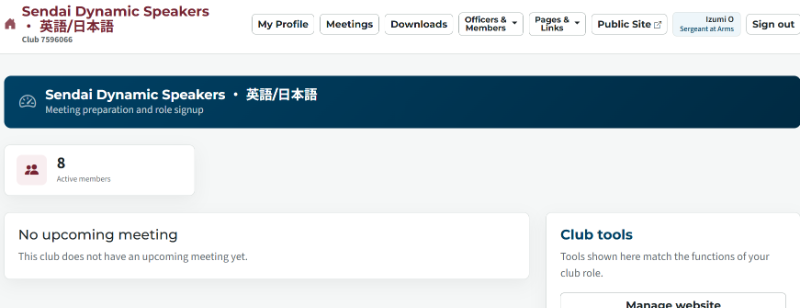
This is what I see after pressing Member Area.
 スクリーンショット 2026-08-27 100132.png
click on Member Area when signed in as Izumi O
Thank you,

Brian McDonald DTM
Silver and Wiser Online Toastmasters Club #777940

Technical Support Consultant and Developer for FreeToastHost
I did it, but nothing happened.

I'll have to go now; I'll try again later today.

Thank you so much for your help.
Do a password reset on your Izumi O member account and it should work.
Thank you,

Brian McDonald DTM
Silver and Wiser Online Toastmasters Club #777940

Technical Support Consultant and Developer for FreeToastHost
Oh, Brian, thank you so much for your support.
I did a password reset but didn't receive an email.
I am not sure what email you used but there was no password reset for  the email for your on club.

I sent the password reset myself to tomorrow.english@gmail.com

Aug 27 15:07:56 toastmastersclubs sendmail[1743116]: 67RF7tpq1743107: to=<tomorrow.english@gmail.com>, ctladdr=<server@toastmastersclubs.org> (1001/1001), delay=00:00:01, xdelay=00:00:01, mailer=esmtp, pri=31271, relay=gmail-smtp-in.l.google.com. [142.251.167.26], dsn=2.0.0, stat=Sent (OK 1787843274 af79cd13be357-9377e36305csi512701785a.123 - gsmtp)

Last edited 27 Aug 2026, 11:11 a.m. by Brian

Thank you,

Brian McDonald DTM
Silver and Wiser Online Toastmasters Club #777940

Technical Support Consultant and Developer for FreeToastHost
Thank you so much, Brian!
Now I can see the editing screen!

Thank you so much for your patience.
I really appreciate it!

スクリーンショット 2026-08-28 002801.png

👍 Thanked by Brian