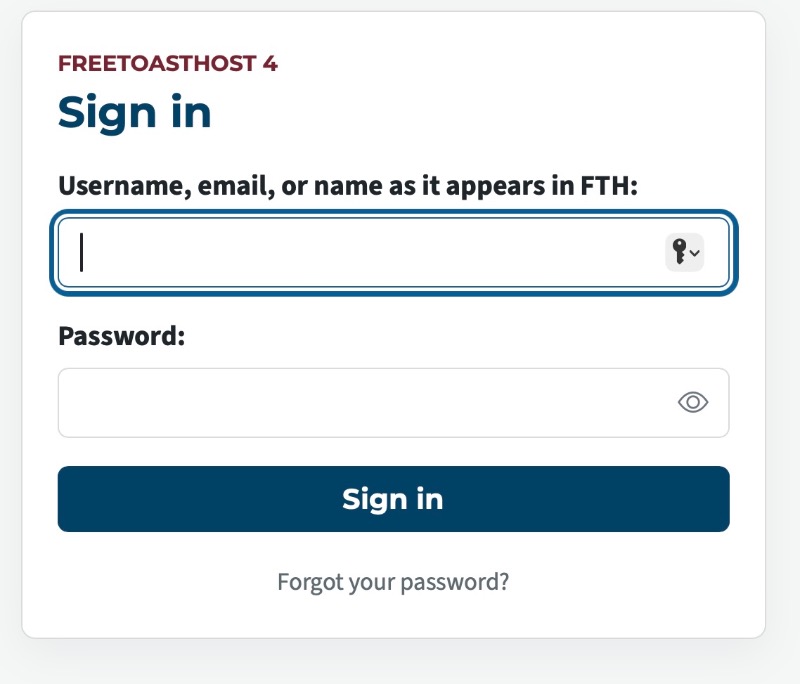
As my club's website admin, I've been familiarizing myself with FTH v4, and would like to give kudos to the FTH team for the improvements made. Now, for my request: please add back the new user instructions to the Sign In box (login page, e.g., https://[club].toastmastersclubs.org/login).
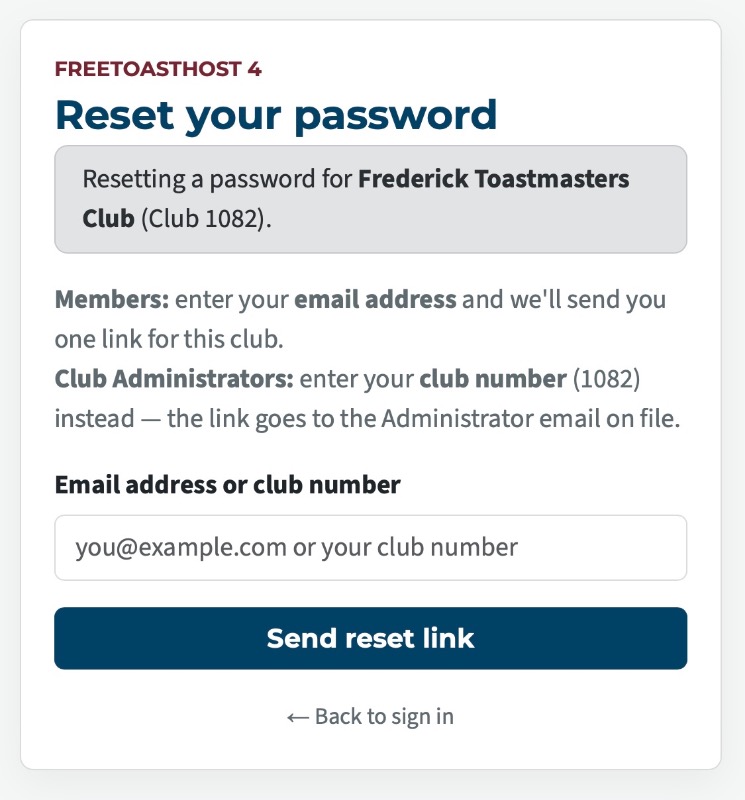
I am aware that the documentation page https://docs.toastmastersclubs.org/doc/item/browsing-and-logging-in/ contains the information: “ If you have just been added to a club, or have never signed in before, go straight to Forgot your password?: that is how a first password is set as well as replaced.” However, our club members do not typically use FreeToastHost documentation, and the site is generally intuitive enough they have no need to learn how to access that documentation.
I also understand that using Reset Password to set a new password may be something of an industry standard for websites, but our club members aren't necessarily that proficient with website use (based on my experience helping them).
Thank you,
Beth May
Frederick Toastmasters, Club 1082
Website Admin.
Last edited 13 Sep 2026, 3:14 p.m. by Beth May