Dear FTH4 Team,
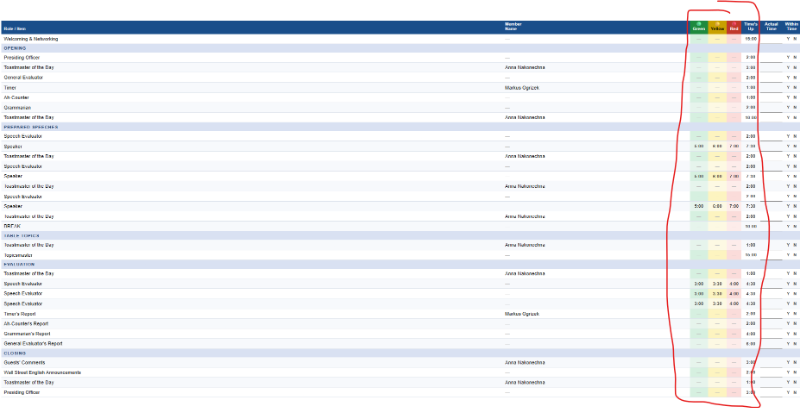
for now the timings on the timer sheet for the green, yellow and red light are given automatically for specific roles, depending on what timing I choose when I add a row (with the role) in the agenda. (see attached picture of a timer sheet)
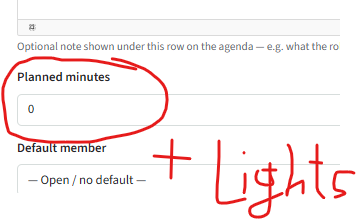
It would be nice if there is an option to set up the green, yellow and red light manually for a row in the agenda, so that it can be added also to other roles and have different timings if we want to. Could you add that please? 🙂 Maybe you can add the light adjustments for the timing next to the "planned minutes" when I add or edit a row anyway.
Best regards
Markus Ogrizek
Poland's First Toastmasters (1548)
Adjust timings manually for the green, yellow and red light
Locked 1 reply · 203 views
Sorry no, the lights will be driven by the time allocated to the role.
Thank you,
Brian McDonald DTM
Silver and Wiser Online Toastmasters Club #777940
Technical Support Consultant and Developer for FreeToastHost
Brian McDonald DTM
Silver and Wiser Online Toastmasters Club #777940
Technical Support Consultant and Developer for FreeToastHost