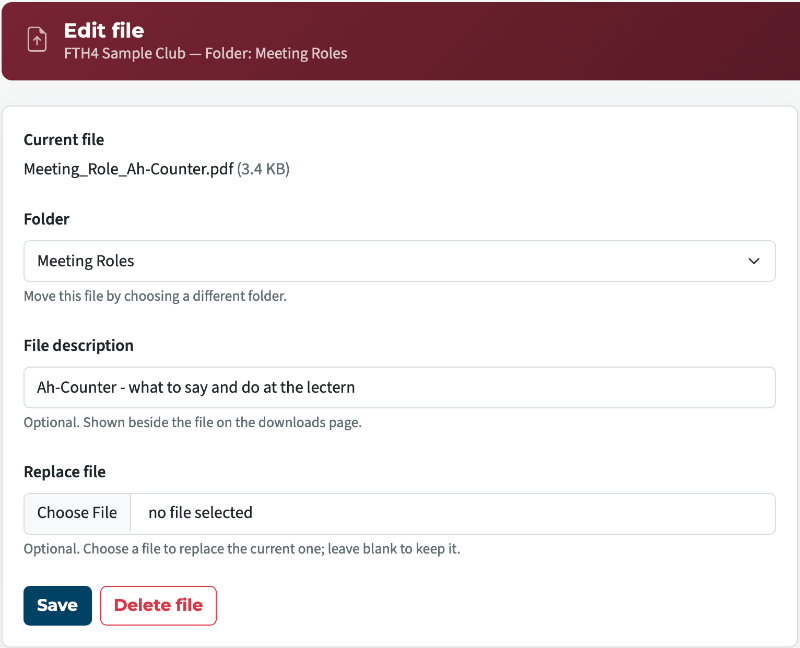
club 4139. Our old FTH site had two items that had been downloaded and those carried over to the Beta site. However, I (as Administrator) want to add additional downloaded documents so we can link to them for guests to see from the public site, but members can also see additional documents. I cannot figure out how to add additional documents. There is no upload button.
Can anyone walk me through how they uploaded new docs?
Member Downloads
5 replies · 176 views
This might be helpful: https://support.toastmastersclubs.org/doc/fth4/uploading-and-organising-files
Clubs #1137486 (D72) & #777940 (D61)
FTH Field Officer, District 72, (NZ)
FTH Field Officer, District 72, (NZ)
It doesn't explain how I load or delete documents.
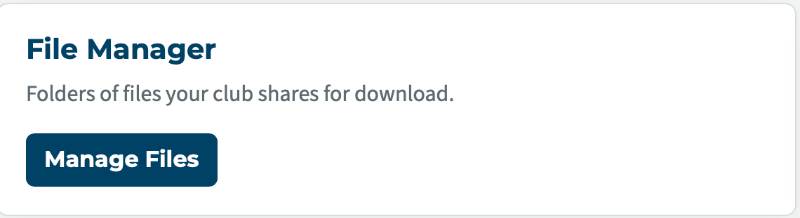
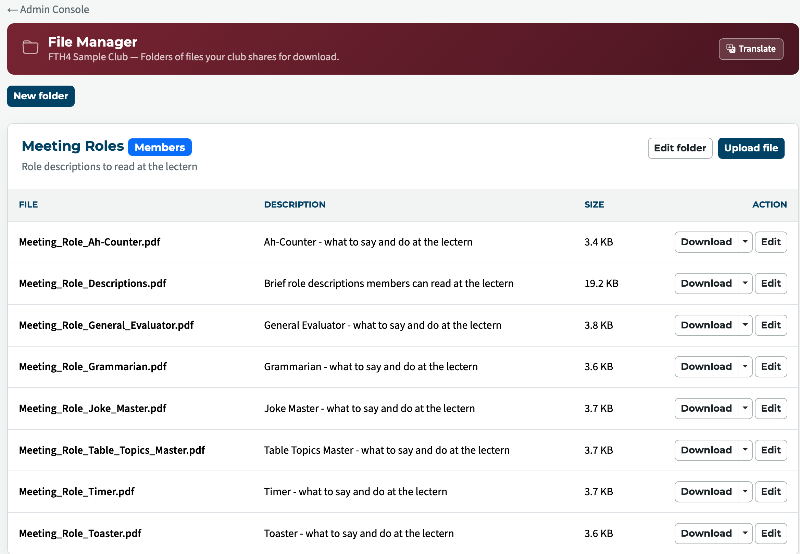
It's on the Admin dashboard, left hand side under Club Tools. Click on File Manager. The rest will look familiar.
Admin console > File Manager
Thank you,
Brian McDonald DTM
Silver and Wiser Online Toastmasters Club #777940
Technical Support Consultant and Developer for FreeToastHost
Brian McDonald DTM
Silver and Wiser Online Toastmasters Club #777940
Technical Support Consultant and Developer for FreeToastHost
Thank you,
Brian McDonald DTM
Silver and Wiser Online Toastmasters Club #777940
Technical Support Consultant and Developer for FreeToastHost
Brian McDonald DTM
Silver and Wiser Online Toastmasters Club #777940
Technical Support Consultant and Developer for FreeToastHost
Log in to reply.