


- Details
- Category: FTH4
-
By Jane Atkinson
- Hits: 450
Edit your profile
To access your profile, click on the "My Profile" button at the top of the page.

Not all of the items need to be filled in. Name and email address are the main ones.
If you don't enter an email address, the system will create a dummy one. You won't be able to use it to log in.
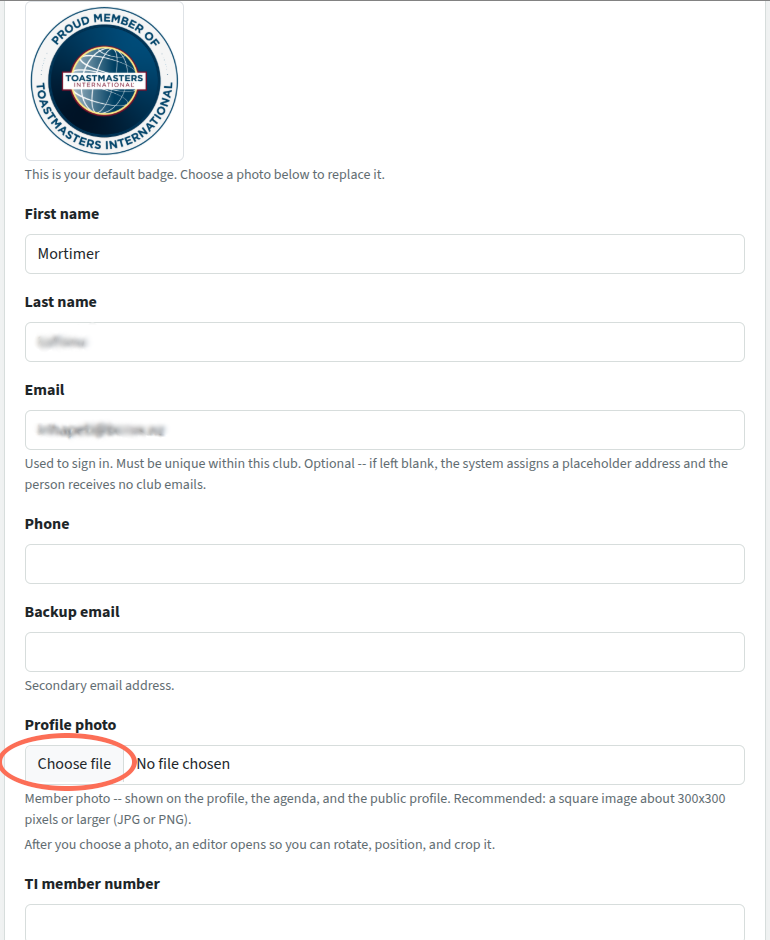
The default profile image is the Toastmasters badge (see top of image). If you want to use your own photo, you can choose a file from your computer and upload it.
You can add a brief "About me" in the Public profile text box. You have about 100 words max.
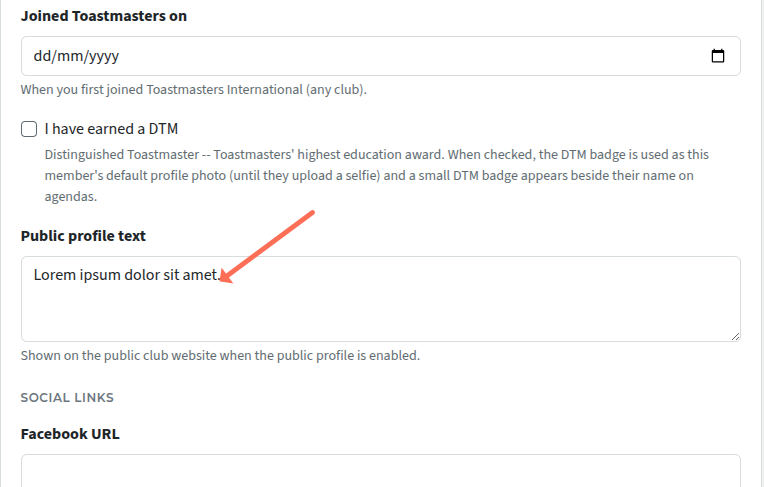
To make the profile visible to the public, check the Public profile box (further down the page - not shown here). This then shows up on the Meet our Members page. Photo and bio are shown, along with any social media links you've chosen. Emails and phone numbers are NOT displayed.
This is entirely optional, but it does help potential visitors to learn something about the club and encourage them to visit.
Save everything, and you're done.

Latest Forum Posts
-
- Live timer sheet
- In Public Forums / FTH4 Support
- 11 minutes ago
-
- FTH Emails Not Going Through
- In Public Forums / FTH4 Support
- 14 minutes ago
-
- Not able to open club web site
- In Public Forums / FTH4 Support
- 21 minutes ago
-
- Members's input attending is not saved in Attendan...
- In Public Forums / FTH4 Support
- 24 minutes ago
-
- Could someone please reset our FTH web site?
- In Public Forums / FTH4 Support
- 1 hour 13 minutes ago